
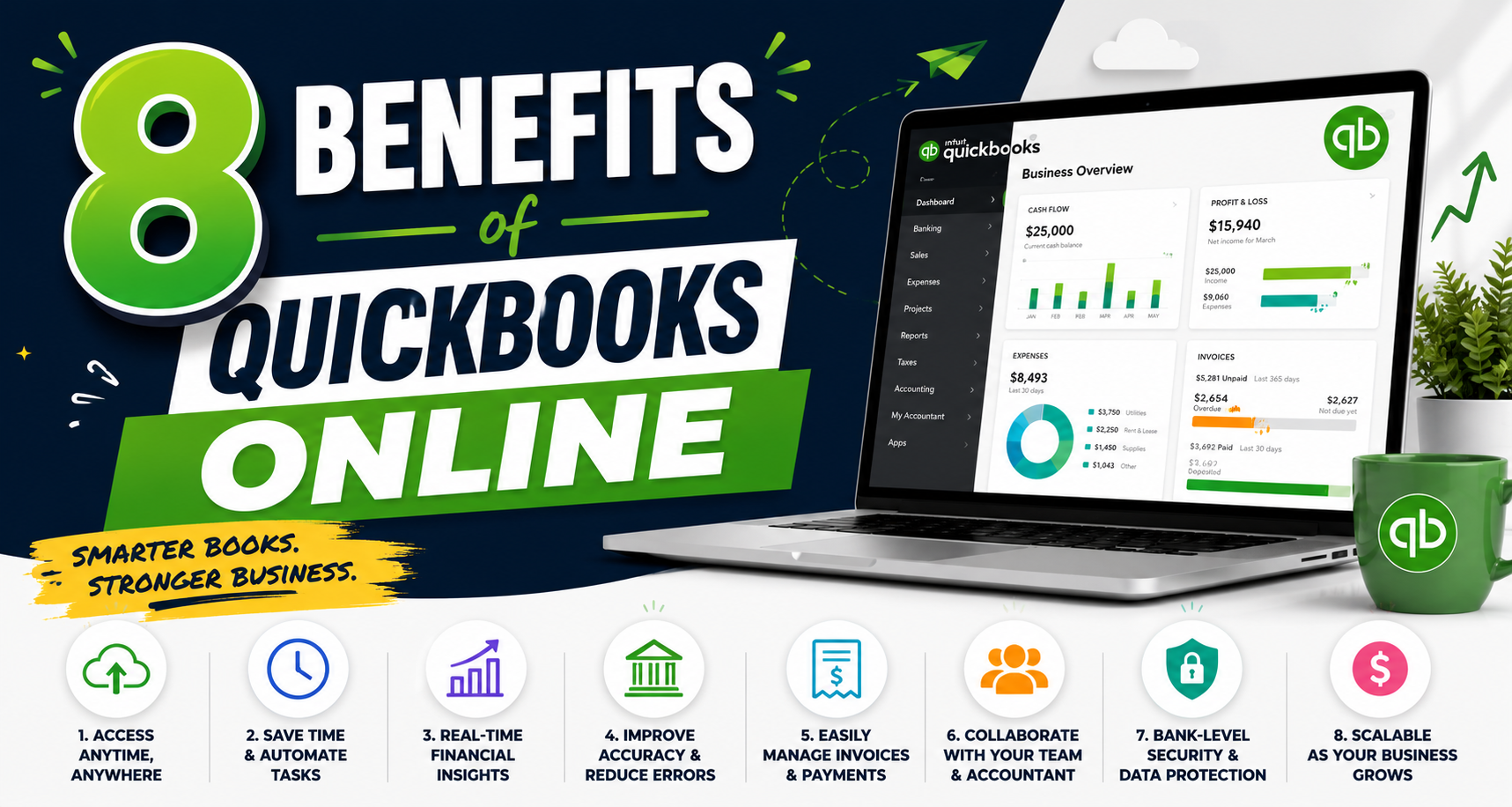
8 POWERFUL BENEFITS OF
QuickBooks Online
Every Business Owner Should Know
Are you spending too much time managing your business finances? It doesn’t have to be that way.
QuickBooks Online is the #1 cloud-based accounting software trusted by millions of small and mid-size businesses worldwide. Whether you’re just starting out or looking to upgrade your current systems, QBO gives you the tools to work smarter — not harder.
Here are the 8 most powerful benefits of QuickBooks Online — and how each one can transform the way you run your business.
| 01 ☁ | Cloud-Based Access. Manage your business anytime, anywhere |
QuickBooks Online lives in the cloud — meaning you can log in from your laptop, tablet, or phone whether you’re at the office, working from home, or traveling. No more being tied to a single computer or worrying about losing data. Your financial information is always up to date and securely accessible 24/7.
• Pro Tip: Grant your accountant or bookkeeper remote access so they can work alongside you in real time — no file-sharing required.
| 02 🏦 | Automatic Bank. Syncing Automatically import and categorize transactions |
Connect your bank accounts and credit cards directly to QuickBooks Online and watch your transactions flow in automatically. QuickBooks learns your spending patterns and categorizes expenses for you — cutting manual data entry down to almost zero and dramatically reducing bookkeeping errors.
• Pro Tip: Review and confirm auto-categorized transactions weekly instead of scrambling at month-end.
| 03 📄 | Invoicing & Payments. Get paid faster with professional invoices |
Create polished, branded invoices in minutes and send them directly to clients. QuickBooks Online lets customers pay online via credit card or ACH bank transfer — and you can set up automatic payment reminders so you spend less time chasing invoices and more time running your business.
• Pro Tip: Enable automatic payment reminders 3 days before and 1 day after the due date to cut late payments significantly.
| 04 📊 | Real-Time Reporting. Make smarter decisions with live financial data |
Stop guessing about your financial health. QuickBooks Online generates Profit & Loss statements, Balance Sheets, Cash Flow reports, and more — all updated in real time. At a glance, you’ll know exactly where your money is going, where it’s coming from, and where opportunities lie.
• Pro Tip: Schedule automated monthly reports delivered to your inbox so you’re never caught off guard.
| 05 💼 | Payroll Integration. Pay your team with ease |
QuickBooks Payroll integrates seamlessly with your accounting data to automate payroll runs, calculate taxes, and handle direct deposits. It even files federal and state payroll taxes on your behalf — freeing you from one of the most time-consuming and compliance-heavy tasks a business owner faces.
• Pro Tip: Use the auto-payroll feature for salaried employees so pay runs happen automatically every cycle.
| 06 🧾 | Tax Preparation. Stay organized and ready for tax season |
Tax season doesn’t have to be a scramble. Because QuickBooks Online keeps your income and expenses categorized year-round, your books are always audit-ready. When it’s time to file, your accountant can pull the exact reports they need in seconds — saving you money on prep time and reducing costly errors.
• Pro Tip: Use the built-in tax category tags on every transaction throughout the year so deductions are never missed.
| 07 📈 | Scalable Plans. Grow without switching systems |
QuickBooks Online offers tiered plans — Simple Start, Essentials, Plus, and Advanced — so you only pay for what you need right now. As your business grows, you can upgrade your plan without losing a single transaction or having to migrate to a new platform. Your accounting system grows with you.
• Pro Tip: Start with the plan that fits today and upgrade only when you consistently need features in the next tier.
| 08 🔗 | App Integrations. Connect with 750+ business tools |
QuickBooks Online integrates with over 750 third-party apps — from Shopify and Square to HubSpot, Gusto, Stripe, and beyond. These connections allow data to flow automatically between your tools, eliminating duplicate entry and creating one unified hub for your entire business operation.
• Pro Tip: Visit the QuickBooks App Store and filter by your industry to discover integrations you didn’t know existed.
📣 Join Our FREE 30-Minute Webinar
| Discover how QuickBooks Online can simplify your accounting, streamline your processes, and help your business grow — in just 30 minutes. What you’ll walk away with: How to manage finances anytime from any deviceHow to automate imports and slash bookkeeping errorsHow to create invoices and get paid fasterHow to use live data to make smarter decisionsHow to simplify payroll and stay tax-compliantHow to set up your books for a stress-free tax seasonWhich QuickBooks plan fits your stage of growthWhich 750+ integrations will instantly upgrade your workflow ⭐ BONUS: After the webinar, attendees can schedule a FREE one-on-one business consultation to optimize their financial systems. |
Your Host
Ready to work smarter? Attend the webinar and book your FREE consultation today.
| Noel A. Booker Sr. Certified QuickBooks ProAdvisor • Business Credit Consultant • Full-Service Accountant Media Net USA 📞 404-500-9687 ✉ noel@businesscreditbuilder.us 🌐 businesscreditbuilder.us |